Time, made visible
The Night Arc turns the timeline into a horizon line. Chapter stars mark the moments that matter, the moon thumb glows as it travels, and the live chapter line under the title always tells you where in the night you are.
Video.js Skins Design Challenge · Contra × Mux
An observatory player for the videos you watch in the dark.
Kala — Sanskrit & Indonesian for time. A Video.js v10 skin that treats every video as a night sky: the timeline is a horizon, chapters are stars, and progress is an aurora rolling across it. Built for slow cinema, space documentaries, and night-sky films — the kind of video you watch with the lights off.
01 · The concept
Most players are neutral chrome. Kala picks a niche — the night-sky film — and commits to it, so every detail has a reason to exist.
The Night Arc turns the timeline into a horizon line. Chapter stars mark the moments that matter, the moon thumb glows as it travels, and the live chapter line under the title always tells you where in the night you are.
A floating glass console, an eclipse play button, aurora progress. The chrome is designed to sit over footage — bright launch skies or black space — without ever shouting over it.
Every control is keyboard-operable, labelled, and reachable by touch. The shortcuts guide is one ? away, and the skin stays readable with reduced motion, high contrast, and forced colors.
02 · Anatomy
A horizon-line seek bar with an aurora gradient fill, a glowing moon thumb, and a buffered shimmer. It swells under your pointer; the hover card shows a live thumbnail, time, and chapter.
Every chapter boundary is a twinkling star on the arc. Hover one to preview its moment; the title block names the chapter you are in.
The big play button is a glowing ring with a breathing halo while paused, flanked by ±10s seek buttons. Double-tap the sides to seek; double-tap the middle for fullscreen.
The volume slider unfurls from the mute button on hover or focus, with a live percentage pill. On touch it stays open where there is room.
Quality (with live HLS renditions), audio tracks, playback speed, and captions — in a glass menu with submenus, all keyboard navigable.
Press ? or the keyboard button for the full shortcut map — play, seek, volume, fullscreen, PiP, captions, speed, and jump-to-percentage keys.
Midnight, Aurora, and Ember re-tint the whole aurora live — the gradient, the thumb glow, and the ambient light around the player.
Glass pills confirm volume, seek, fullscreen, PiP, and caption changes; the orbiting-dot spinner marks buffering; screen-reader announcements narrate state.
03 · Skies
Pick a sky — the hero player above changes with it. The skin also honours the public
--media-accent-color property, so any site can re-tint it.
04 · Footage
Switch the footage above: Cosmic Dawn is the James Webb story, dark clean rooms and golden mirrors; Daylight is bright Earth from the ISS. The glass console, scrims, and lantern focus ring are built to hold contrast against both.
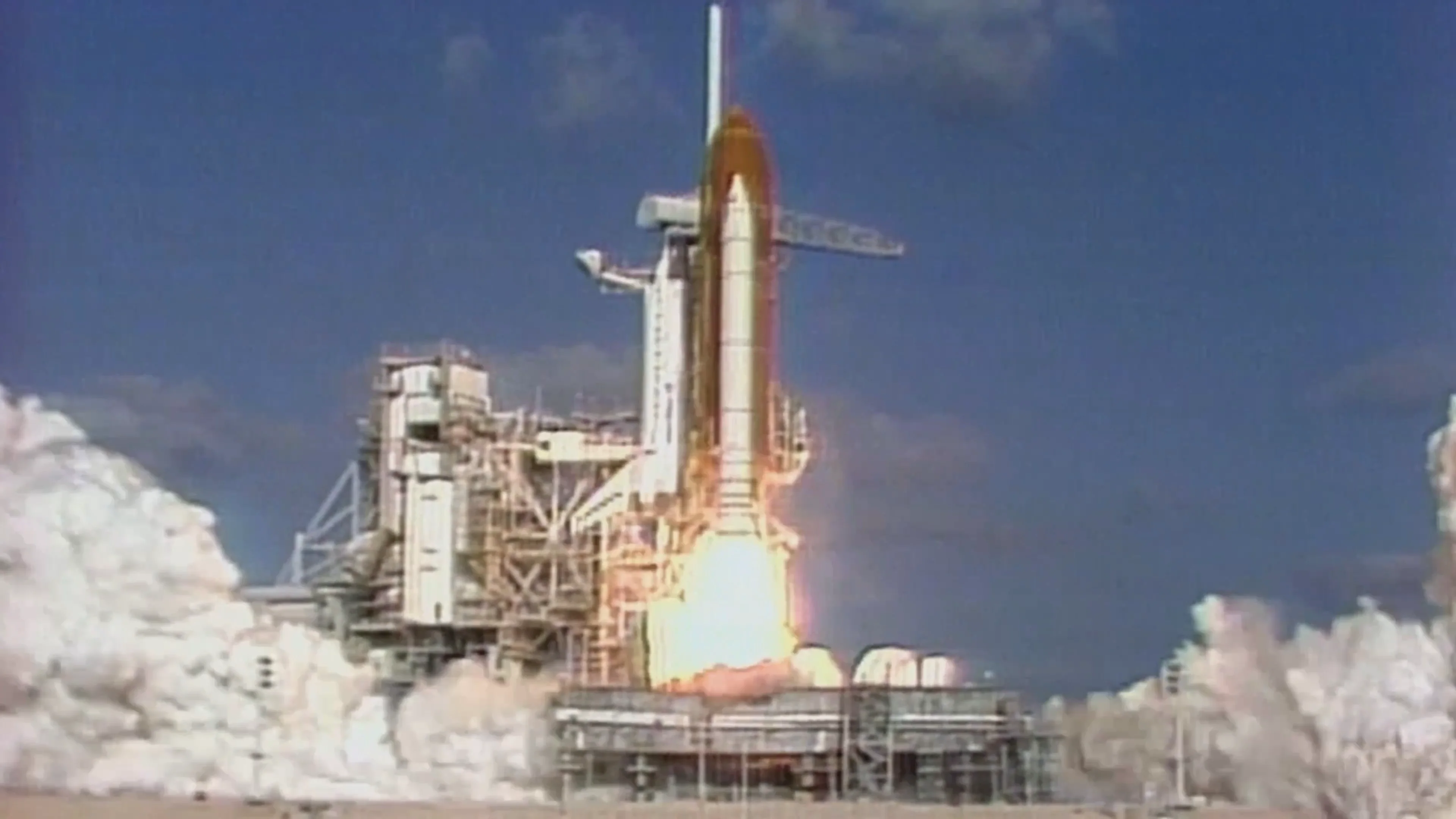
The voyage to the Webb telescope. Archival NASA footage, streamed from Mux with chapters and HLS quality levels.
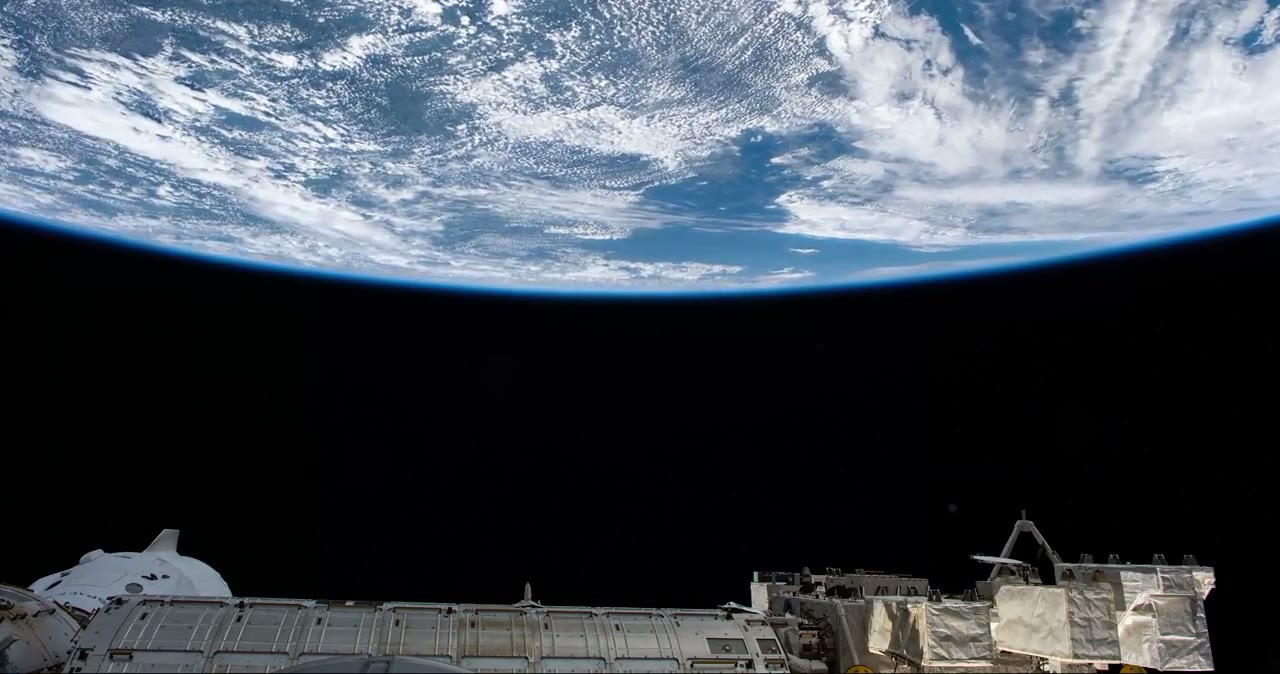
Expedition 65 over bright cloud seas, closing with an aurora. NASA, public domain.
05 · Small screens
Below 26rem the bar sheds its secondary buttons into the Settings menu, the time readout collapses to a toggle, and touch targets stay 44 px. Try it — this player is live.
06 · Keyboard
| Action | Keys |
|---|---|
| Play / pause | Space K |
| Seek back / forward 10s | J L ← → |
| Volume up / down | ↑ ↓ |
| Mute / unmute | M |
| Fullscreen | F |
| Picture-in-picture | I |
| Captions | C |
| Jump to 0–90% of the video | 0–9 |
| Start / end | Home End |
| Playback speed | < > |
| Shortcuts guide | ? |
07 · Accessibility
prefers-reduced-motion is set.